 COME
COMEHow to Check for a COME APK Update
To check for a COME APK update, compare the version installed on your phone with the release offered by the product. Use the app’s current update option when available, and keep access to your existing account before changing the installation.
Check the version already installed
Look in the app’s own information screen or Android’s app-information settings for a numbered version. Record what you find. Do not use the date you downloaded the file as a substitute for a version number.
Read the Check Update status
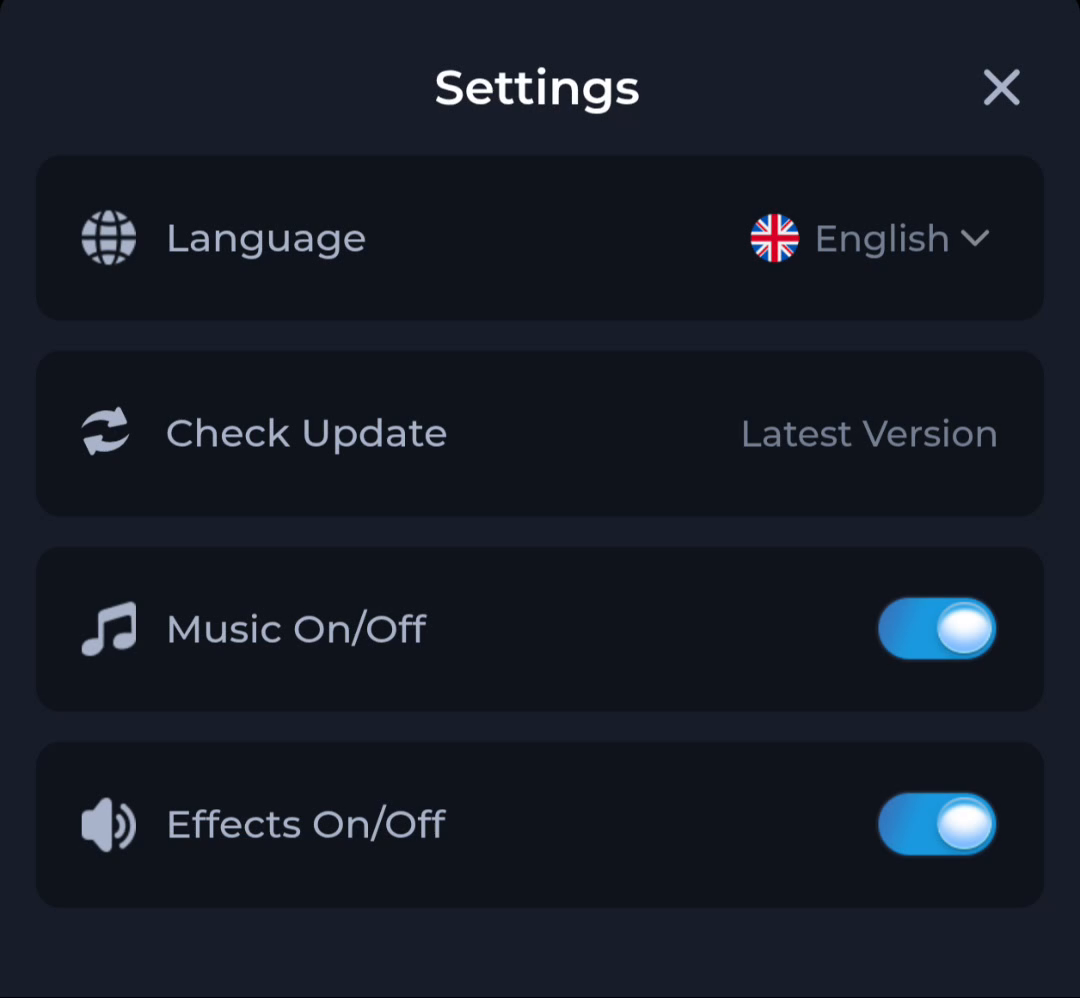
COME Settings includes Check Update. “Latest Version” is a status message, not a numbered release. Read the result on your own device and compare its version details with the offered update; an old screenshot cannot show your phone's current status.
If your current app has that control, open it and read the result. If the menu has changed, use the product’s current instructions rather than trying to reproduce an old screen exactly.
Before accepting an update
- Make sure you can still use the sign-in method for your existing account.
- Read the offered version and any compatibility or release notes.
- Check storage and let the file finish downloading.
- Keep device protection active and read Android’s update prompt.
- If the installer reports a conflict, stop and save the exact message before changing the installed app.
When the installer will not update the existing app
An update can fail when the file is incomplete, incompatible or does not match the installed package’s identity or signing requirements. The error message is needed to distinguish these possibilities. Do not uninstall the existing app or clear its data as the first troubleshooting step.
Check the result after updating
Open the app and compare the installed version again. Confirm that you can reach the sign-in or account screen you expect. A changed icon or refreshed page alone is not confirmation that Android installed the intended release.
Does v1.13 mean the latest version?
It is the version label in the published listing reviewed on 20 September 2026. This page does not verify that it is the newest release offered on every device or at a later date.
Should I install an older APK if the update fails?
Do not substitute an older or unrelated file without checking the product’s supported recovery procedure. A downgrade may be rejected or may be incompatible with stored app data.